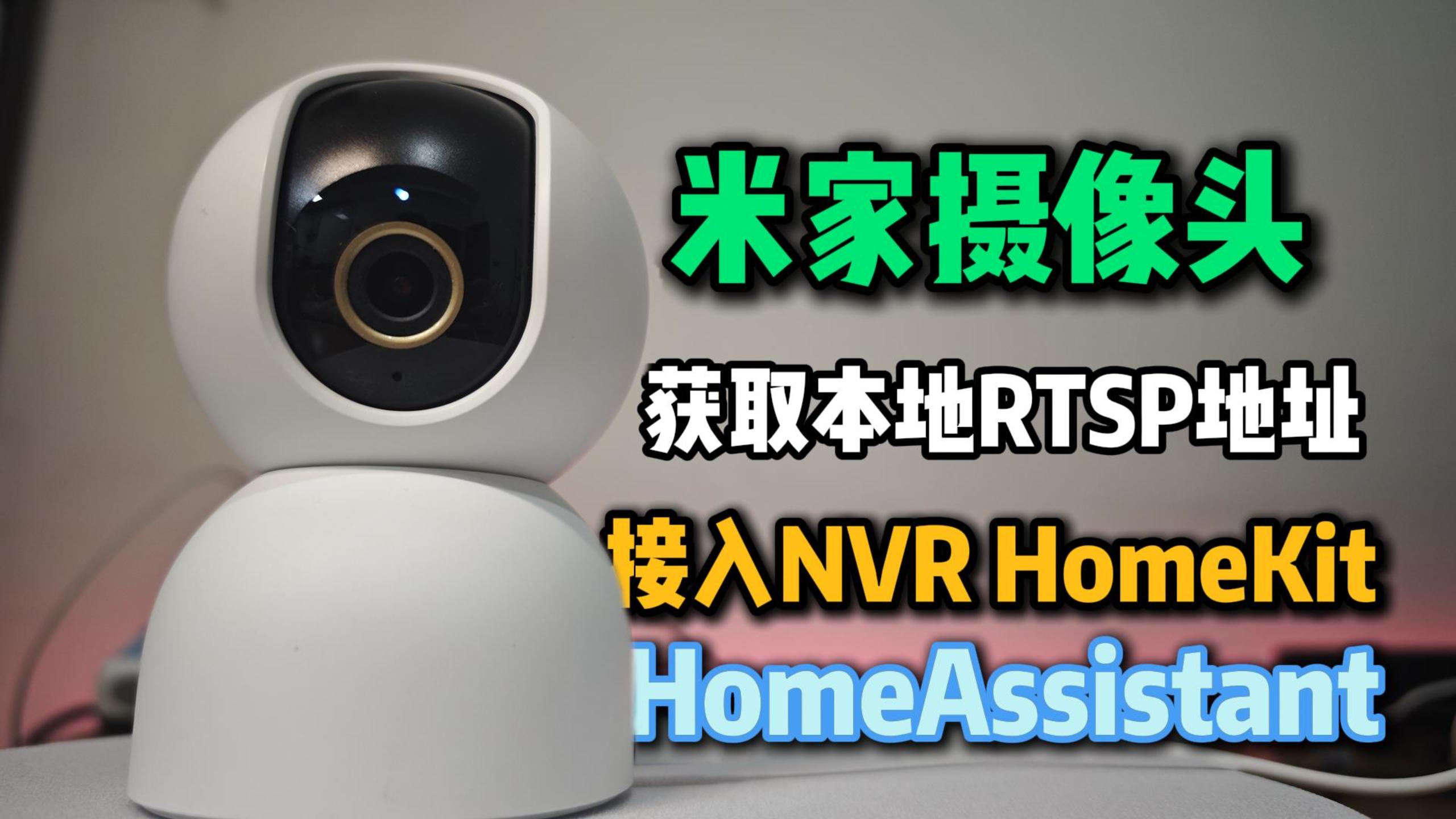







出处:https://github.com/miiot/micam
群晖安装教程:https://www.geekxw.top/3715/
通过docker部署Miloco、Go2rtc及RTSP转发服务。如果需要添加多个摄像头,需要编辑docker-compose.yml运行多个micam服务。

部署的Miloco为基础版,不带AI引擎,无GPU算力要求,大部分机器都能运行。本项目基于官方镜像修改,添加了arm64支持,并默认获取高清流和音频流。
miloco:
https://192.168.3.217:9001/
go2rtc:
http://192.168.3.217:1984/services:
# https://github.com/XiaoMi/xiaomi-miloco
miloco:
container_name: miloco
# image: ghcr.nju.edu.cn/xiaomi/miloco-backend # Official image
image: ghcr.nju.edu.cn/miiot/miloco:main # Modified image to using HD stream
network_mode: host
environment:
BACKEND_PORT: ${MILOCO_PORT:-9001}
BACKEND_LOG_LEVEL: ${MILOCO_LOG_LEVEL:-warning}
TZ: ${TZ:-Asia/Shanghai}
volumes:
- ./miloco:/app/miloco_server/.temp
# NOTICE: Mount configuration files, if you want to use your own configuration files, please mount them here.
# - ./miloco/server_config.yaml:/app/config/server_config.yaml
# - ./miloco/prompt_config.yaml:/app/config/prompt_config.yaml
restart: always
# https://github.com/AlexxIT/go2rtc
go2rtc:
container_name: go2rtc
image: ghcr.nju.edu.cn/alexxit/go2rtc
network_mode: host # important for WebRTC, HomeKit, UDP cameras
privileged: true # only for FFmpeg hardware transcoding
restart: always # autorestart on fail or config change from WebUI
environment:
TZ: ${TZ:-Asia/Shanghai}
volumes:
- ./go2rtc:/config # folder for go2rtc.yaml file (edit from WebUI)
micam1: &micam
image: ghcr.nju.edu.cn/miiot/micam:main
depends_on: [miloco, go2rtc]
environment: &micam_envs
MILOCO_BASE_URL: ${MILOCO_BASE_URL:-https://miloco:9001}
MILOCO_PASSWORD: e10adc3949ba59abbe56e057f20f883e
CAMERA_ID: 1234567890
RTSP_URL: rtsp://192.168.3.217:8554/your_stream1
VIDEO_CODEC: ${VIDEO_CODEC:-hevc}
STREAM_CHANNEL: ${STREAM_CHANNEL:-0}
TZ: ${TZ:-Asia/Shanghai}
restart: always
extra_hosts:
- "miloco:${MILOCO_HOST_IP:-host-gateway}"
# More Cameras ...
micam2:
<<: *micam
scale: 0 # Disabled by default, set 1 to enable
environment:
<<: *micam_envs
CAMERA_ID: 1234567890
RTSP_URL: rtsp://192.168.3.217:8554/your_stream2MD5计算: 选32位小
https://www.sojson.com/md5/streams:
your_stream1:
#your_stream1_h264为homekit在线播放使用,教程还未更新
#your_stream1_h264:
#- ffmpeg:your_stream1#video=h264#hardware#audio=copy
your_stream2:type: custom:webrtc-camera
url: rtsp://192.168.3.217:8554/your_stream1
style: "video {aspect-ratio: 16/9; object-fit: fill;}"
media: video
mode: webrtc
打赏支持

感谢您的支持!让我有持续更新的动力
© 版权声明
分享是一种美德,转载请保留原链接
THE END







- 最新
- 最热
只看作者