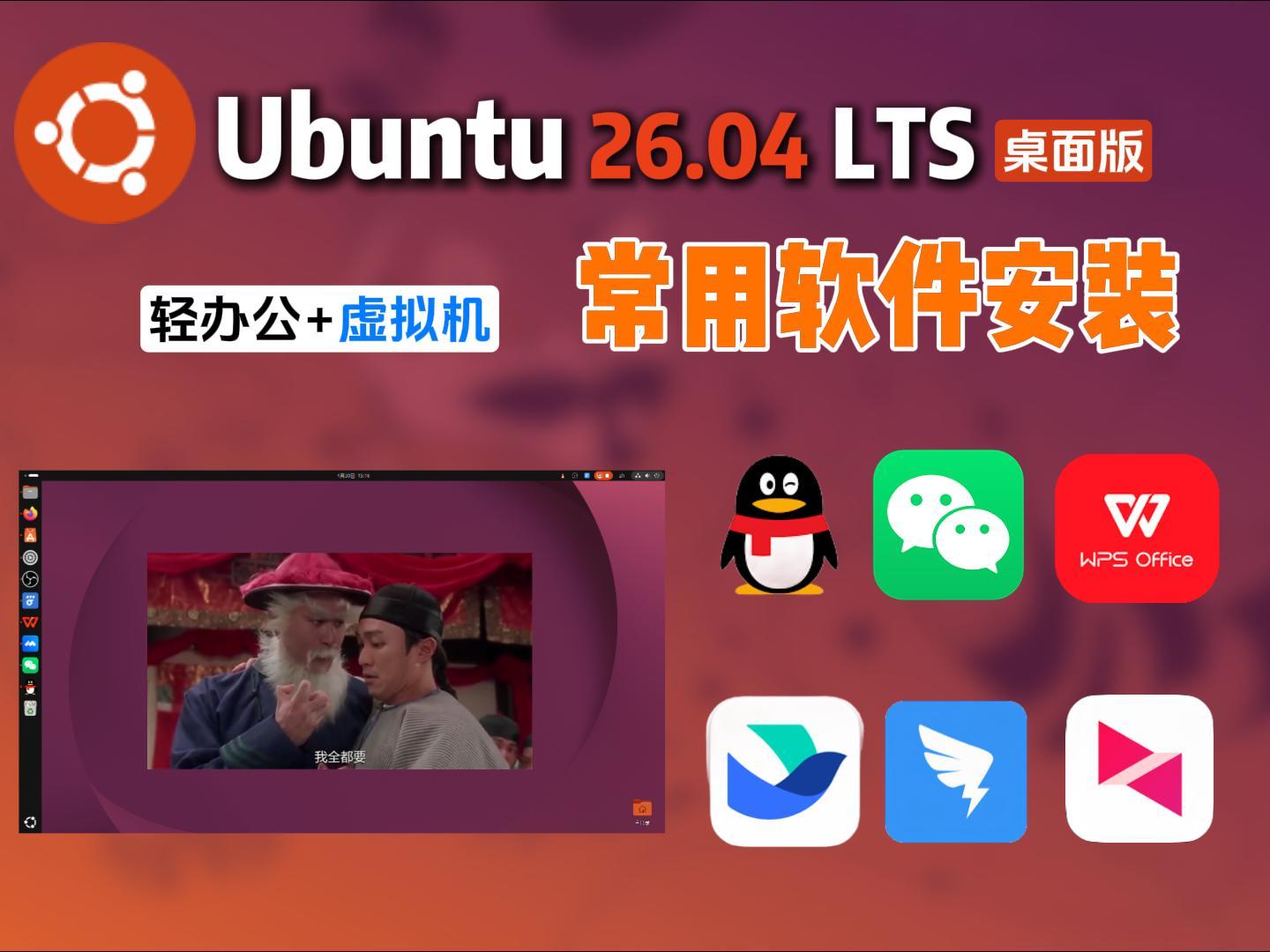








切换fcitx5输入法

# 1. 指定使用 fcitx5 输入法
im-config -n fcitx5

# 2. 写入兼容的环境变量
cat << 'EOF' >> ~/.profile
export XMODIFIERS=@im=fcitx
export GTK_IM_MODULE=fcitx
export QT_IM_MODULE=fcitx
export SDL_IM_MODULE=fcitx
EOF

cat << 'EOF' >> ~/.xprofile
export XMODIFIERS=@im=fcitx
export GTK_IM_MODULE=fcitx
export QT_IM_MODULE=fcitx
export SDL_IM_MODULE=fcitx
EOF

# 3. 设置 Fcitx5 软件开机自启
mkdir -p ~/.config/autostart
cp /usr/share/applications/org.fcitx.Fcitx5.desktop ~/.config/autostart/
# 1.切换国内软件源
sudo sed -i \
's|http://.*archive.ubuntu.com/ubuntu|https://mirrors.aliyun.com/ubuntu|g;
s|http://security.ubuntu.com/ubuntu|https://mirrors.aliyun.com/ubuntu|g' \
/etc/apt/sources.list.d/ubuntu.sources
# 2.更新软件源应用更改
sudo apt update谷歌浏览器:
https://www.google.com/chrome/browser-tools/
QQ:
https://im.qq.com/index/#/linux
微信:
https://linux.weixin.qq.com/
WPS:
sudo apt install libglu1-mesa #WPS依赖
https://www.wps.cn/product/wpslinux
向日葵远程:
https://sunlogin.oray.com/download/beta
钉钉:
https://www.dingtalk.com/download
飞书:
https://www.feishu.cn/download
星火应用商店:
https://www.spark-app.store/download批量安装软件:
apt install ./*.deb -y 钉钉不能启动解决办法:
wget -O /tmp/execstack.deb https://snapshot.debian.org/file/f1b699bfaf56fd7dfbd6245dbbf4f4650a104a75/execstack_0.0.20131005-1%2Bb10_amd64.deb
sudo dpkg -i /tmp/execstack.deb
sudo execstack -c /opt/apps/com.alibabainc.dingtalk/files/*/dingtalk_dll.soWPS字体缺少解决办法:
sudo cp ~/下载/Fonts/*.tt* /usr/share/fonts/wps-office/
sudo chmod 644 /usr/share/fonts/wps-office/*.tt*
sudo fc-cache -fv第三方播放器,SSH服务安装
sudo apt install celluloid openssh-server -y
打赏支持

感谢您的支持!让我有持续更新的动力
© 版权声明
分享是一种美德,转载请保留原链接
THE END




暂无评论内容