







1.安装ikuai
在ikuai直通网卡的时候不要开启虚拟机自启,这样直通错了重启就恢复了
下载地址:https://www.ikuai8.com/
2.安装openwrt(immortalwrt)旁路由
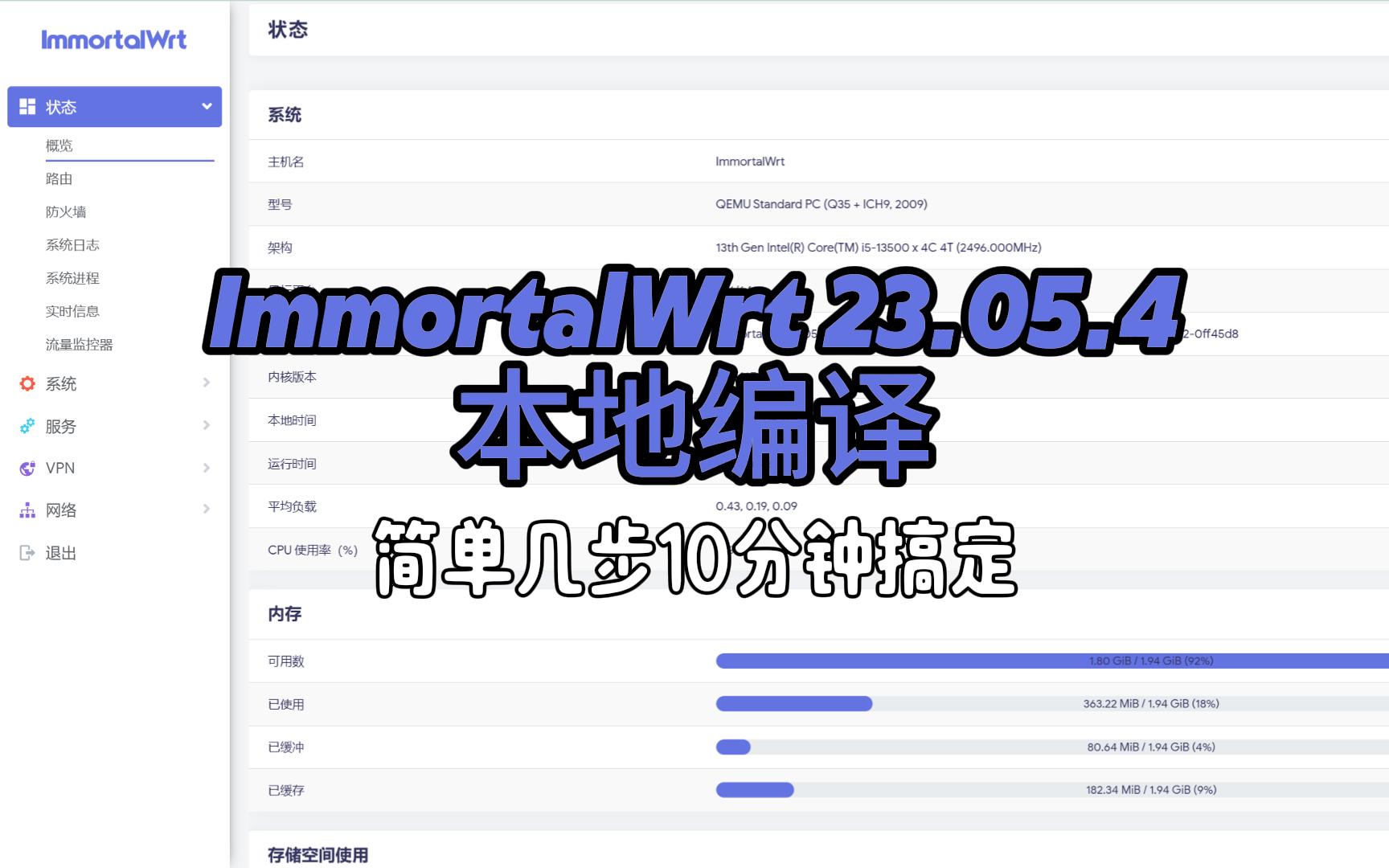
qm importdisk 虚拟机ID /var/lib/vz/template/iso/固件名字.img local-lvm3.安装Fnos
下载地址:https://www.fnnas.com/RDM硬盘直通代码:
ls -la /dev/disk/by-id/|grep -v dm|grep -v lvm|grep -v part
qm set 虚拟机ID --sata0 /dev/disk/by-id/ata-xxxx4.安装Windows
virtio驱动镜像下载:
我的网盘镜像备份:https://alist.geekxw.top/
5.安装HomeAssistantOS智能家居管理平台
冬瓜大佬修改版官网:https://www.wghaos.com/

我的网盘镜像备份:https://alist.geekxw.top/
PVE更换国内源以及温度显示
wget http://share.geekxw.top/pve9yuan.sh -O pve9yuan.sh && chmod +x pve9yuan.sh && ./pve9yuan.sh
###更新到PVE9源 PS:不带ceph源
apt update
###更新源


(curl -Lf -o /tmp/temp.sh https://raw.githubusercontent.com/a904055262/PVE-manager-status/main/showtempcpufreq.sh || curl -Lf -o /tmp/temp.sh https://mirror.ghproxy.com/https://raw.githubusercontent.com/a904055262/PVE-manager-status/main/showtempcpufreq.sh) && chmod +x /tmp/temp.sh && /tmp/temp.sh remod
###添加温度显示


温度脚本来源:https://www.right.com.cn/forum/thread-6754687-1-1.html
打赏支持

感谢您的支持!让我有持续更新的动力
© 版权声明
分享是一种美德,转载请保留原链接
THE END







- 最新
- 最热
查看全部